
Security First: How PDental Protects Sensitive Patient Data in the Cloud
Data security in healthcare is both a legal mandate and a trust prerequisite. Discover how PDental uses TLS 1.3, AES-256 encryption, RBAC permissions, and audit logs to safeguard patient records.
Published
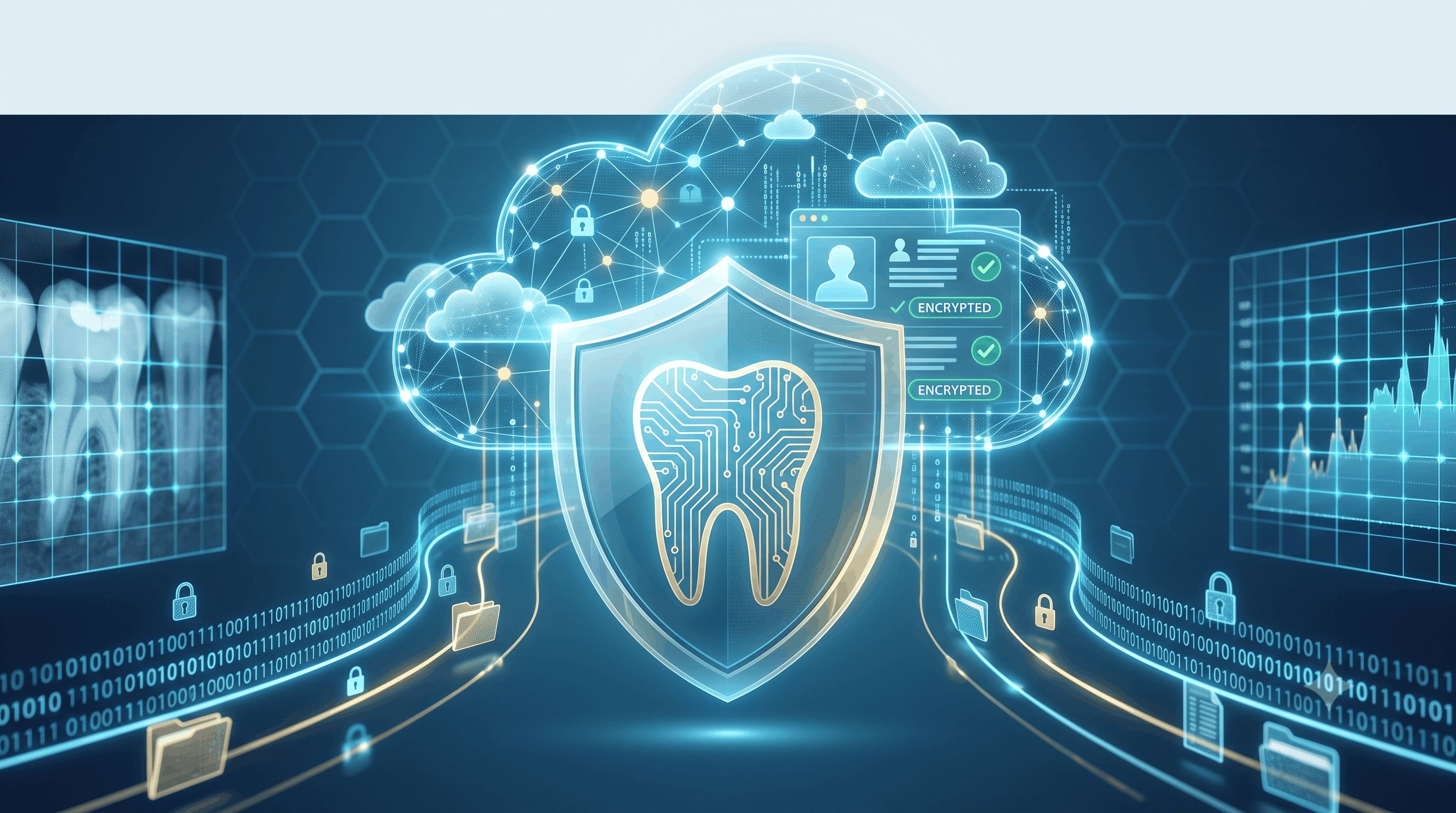
Healthcare data is among the most sensitive information in existence. A patient’s dental file contains medical histories, radiograph images, national identification numbers, personal contact details, and financial ledgers.
For practice owners, securing this data is both an ethical responsibility and a strict legal requirement enforced by health data protection authorities in Saudi Arabia (such as the Saudi Health Information Exchange standards and NDMO privacy frameworks) and internationally.
Yet many clinics continue to rely on insecure local desktop systems, unencrypted USB backups, or weak network passwords that expose them to ransomware attacks and catastrophic data loss.
PDental was architected with a Security-First philosophy. Here is how modern cloud architecture protects your practice and patient data against every layer of threat.
1. The 4 Layers of PDental Cloud Protection
[ Layer 1: Encryption in Transit & At Rest (TLS 1.3 / AES-256) ]
                               │
                               ▼
[ Layer 2: Granular Role-Based Access Control (RBAC) ]
                               │
                               ▼
[ Layer 3: Immutable Audit Trails & Logging ]
                               │
                               ▼
[ Layer 4: Automated Multi-Region Disaster Recovery ]
Layer 1: End-to-End Encryption
- Data in Transit: Every communication between your clinic browser and PDental cloud servers is encrypted using TLS 1.3, preventing man-in-the-middle eavesdropping or data interception on local Wi-Fi networks.
- Data at Rest: All stored databases, patient charts, attachments, and backups are encrypted using military-grade AES-256 bit encryption. Even if physical storage media were compromised, the data remains unreadable without cryptographically isolated keys.
Layer 2: Fine-Grained Role-Based Access Control (RBAC)
Not every employee needs access to every file. PDental enforces strict RBAC matrices:
- Dentists & Specialists: Full access to clinical charting, per-tooth notes, treatment plans, and prescriptions. Restricted from editing practice-wide accounting parameters.
- Receptionists & Coordinators: Access to scheduling, patient check-in, intake forms, and invoice collection. Zero access to sensitive clinical notes or executive profit reports.
- Practice Owners & Managers: Full administrative visibility across financial dashboards, practitioner performance, audit logs, and branch settings.
Layer 3: Immutable Audit Logs
Who viewed a patient chart? Who altered a billing discount? Who exported a patient list?
PDental records every system interaction in an immutable, tamper-proof audit log. Every record view, modification, creation, or deletion is timestamped with user ID, IP address, and exact change history. This deters internal data misuse and provides complete compliance proof during official audits.
Layer 4: Redundant Cloud Backup & Disaster Recovery
Ransomware attacks target local clinic servers because they know on-premise backups are often outdated or destroyed.
PDental operates automated, continuous cloud backups across geographically separated enterprise data centers. In the event of a local hardware failure, internet disruption, or physical incident at your clinic, your data remains 100% safe and accessible from any backup device immediately.
2. Security Matrix: Local Server vs. PDental Cloud
| Security Factor | Local Clinic Server Setup | PDental Encrypted Cloud |
|---|---|---|
| Data Encryption | Usually unencrypted local HDDs. | Encrypted at Rest (AES-256) & Transit (TLS 1.3). |
| Physical Theft Risk | Server physically located in unlocked back office. | Secured in ISO 27001 tier-4 data centers. |
| Ransomware Vulnerability | High (Single infected PC encrypts entire server). | Zero (Isolated web architecture; continuous backups). |
| Access Visibility | No log of who opened or copied patient charts. | Complete tamper-proof audit log for every click. |
| Compliance Readiness | Difficult; requires complex local IT audits. | Built-in compliance with health data privacy rules. |
3. Protecting Your Clinic’s Reputation
A data breach or lost patient record does not just cost money in fines—it destroys patient trust built over decades.
By leveraging enterprise cloud infrastructure, practice owners eliminate the anxiety of hardware crashes, ransomware extortion, and compliance penalties, knowing their patient data is protected by world-class security protocols.
4. Safeguard Your Practice with PDental
PDental provides practice owners with total peace of mind:
- Enterprise Cloud Security: Benefit from AES-256 encryption, TLS 1.3, and multi-tenant data isolation.
- Granular RBAC Permissions: Tailor staff access rights to fit your clinic’s operational roles.
- Complete Audit Trail: Maintain complete visibility over every data interaction across all branches.
- Automated Disaster Recovery: Guarantee continuous data availability without local backup hassles.
Protect your patients, your reputation, and your practice future with PDental.
Frequently asked questions
Is storing dental patient data in the cloud safer than storing it on a local clinic computer?
Yes. Local clinic computers are vulnerable to physical theft, unencrypted hard drive failures, local ransomware, and weak passwords. Enterprise cloud architecture utilizes encrypted multi-site backups, 24/7 security monitoring, and institutional access security.
What encryption standards does PDental use to protect patient health records?
PDental encrypts data in transit using TLS 1.3 and at rest using AES-256 bit encryption, ensuring that patient medical histories, X-rays, and financial transactions are completely protected from unauthorized interception.
How does Role-Based Access Control (RBAC) restrict staff permissions?
RBAC ensures that staff members only access data necessary for their role. For example, receptionists see scheduling and billing info, while clinicians access medical histories, and practice owners view full financial dashboards.