
Switching Dental Software: The Checklist That Prevents a Messy Go-Live
A dental software switch succeeds before go-live. Define the goal, map the data, test billing, train by role and keep a tight first-month review.
Published
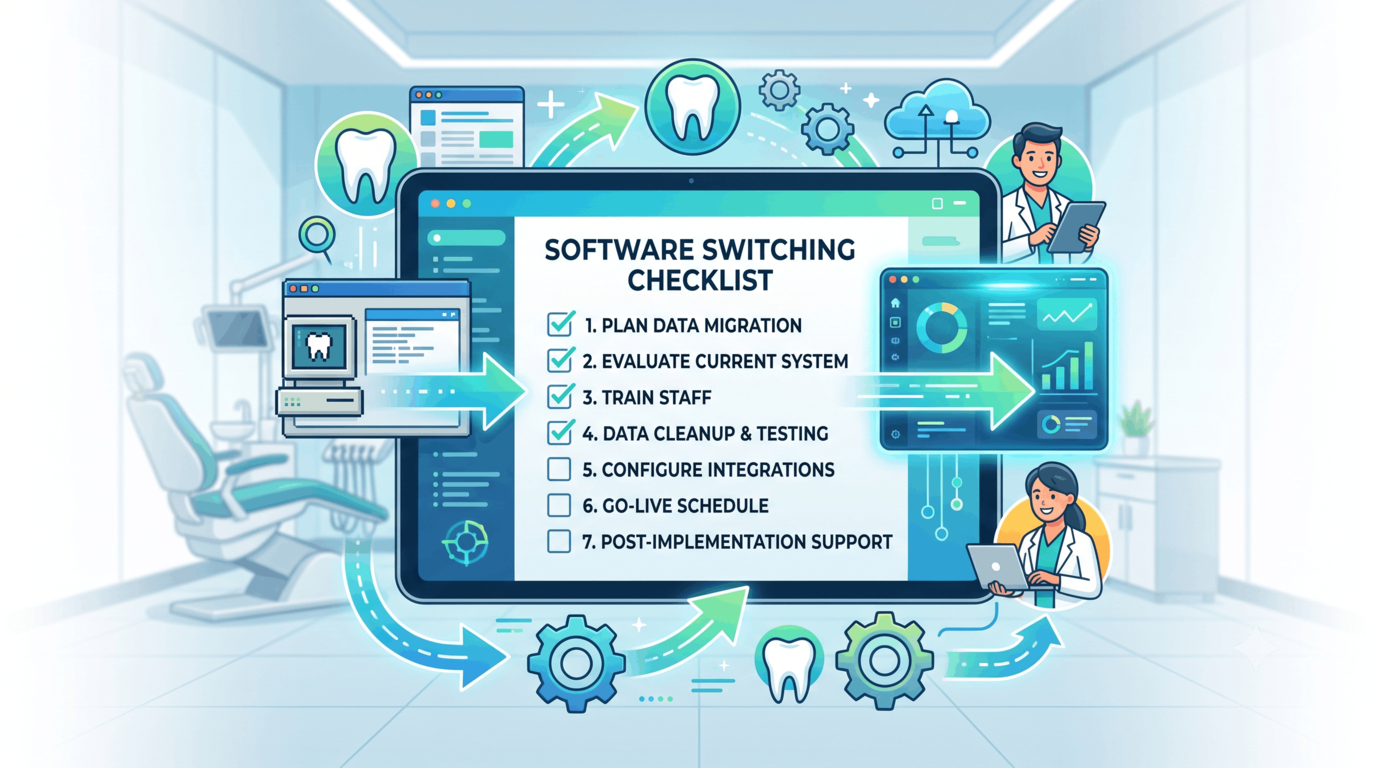
Switching dental software is rarely painful because people dislike new screens. It is painful because the switch touches everything at once: patients, charts, balances, insurance, stock, reports, habits and the busy schedule that refuses to pause while the project happens.
The clinics that switch well do not have braver teams. They run a better checklist.
The point is to move the practice, not just the database.
1. Define what "better" means
Do this before watching demos.
"We need modern software" is too vague to guide a decision. A vendor can satisfy that sentence with almost anything. The useful version is specific:
- We need branch reporting without manual consolidation.
- We need appointment reminders that do not depend on reception remembering.
- We need insurance approvals and claim ageing in one place.
- We need a patient record that shows chart, balance, documents and treatment history together.
- We need campaign ROI from enquiry to paid treatment.
- We need staff attendance and payroll to stop living in separate sheets.
Write the top three outcomes down. They become your evaluation scorecard, your implementation scope and your first-month review.
Without them, the team will compare features. With them, the team compares whether the system removes the work that actually hurts.
2. Map the data before you move it
Data migration is not a copy. Dental systems store the same clinical reality in different shapes.
Create a migration map with four columns:
| Data area | Move as structured data | Attach as documents | Leave archived |
|---|---|---|---|
| Patients | Names, contacts, identifiers, tags | Old forms if needed | Inactive duplicates |
| Clinical | Treatment history, chart notes, prescriptions | Radiographs, consent forms, referral letters | Obsolete scans |
| Finance | Balances, payments, invoices, discounts | Old statement PDFs | Closed ledgers if legally archived |
| Operations | Price lists, rooms, users, roles, suppliers | Old SOPs | Retired items |
The hardest part is not the technology. It is deciding what quality is acceptable. If old patient records are full of duplicates, moving them unchanged simply gives the new system old confusion with a cleaner interface.
Use the switch as a cleanup point. Merge obvious duplicates, remove retired appointment types, standardise procedure names and decide how old balances will be handled before anyone imports them.
3. Test billing and insurance like they are clinical workflows
Most teams over-test the calendar and under-test billing. That is understandable; the calendar is visible on day one. Billing problems appear a few weeks later when cash is already delayed.
Before go-live, run sample cases through the full chain:
- Create a patient with insurance.
- Add coverage periods and limits.
- Create an approval.
- Chart treatment.
- Generate the invoice.
- Submit or track the claim.
- Post a part payment.
- Check the patient balance and the reporting.
If you operate in Saudi Arabia, include your e-invoicing flow in the test, not as a side task after launch. The same principle applies anywhere: compliance and collection are not admin extras. They are part of the treatment workflow.
4. Check the workflows that depend on outside tools
Every clinic has hidden dependencies:
- Imaging devices and attached radiographs.
- SMS or WhatsApp reminders.
- Online booking forms.
- Accounting exports.
- Payment terminals.
- Lab communication.
- Staff attendance devices.
- Existing website widgets.
List them early. The question is not just whether the new system has a feature. It is whether the daily handoff will be cleaner after the switch.
A disconnected online booking form, for example, may look acceptable in a demo but still force someone to retype every request. That is not a successful migration; it is a redesigned bottleneck.
5. Train by role, not by room
A single all-hands session makes everyone equally underprepared.
Reception needs scheduling, patient search, duplicate warnings, reminders and payment collection. Doctors need charting, treatment plans, history, prescriptions and attachments. Billing needs claims, approvals, balances, ageing and reconciliation. Managers need reports, permissions and exceptions.
Train those groups separately. Then run one combined session where a patient moves through the whole clinic from enquiry to final payment.
That final rehearsal is where awkward handoffs surface. It is much better to find them in training than at 9:20 on the first live morning.
6. Keep the old system reachable
Even a good migration leaves questions. A patient asks about a treatment from six years ago. An old attachment was named strangely. A balance does not match what someone remembers. A clinical note needs checking.
Keep read-only access to the previous system for a defined period. Three months is a sensible minimum for many clinics; longer may be needed when complex treatments or legal retention rules apply.
This is not a lack of confidence in the migration. It is a practical way to stop one missing detail from becoming a clinic-wide panic.
7. Treat go-live as the middle
Go-live feels like the finish line because the project has been building toward it. Operationally, it is the middle.
For the first month, review:
- Appointment duration accuracy.
- No-shows and cancellations.
- Claims submitted and claims held.
- Payments posted and balances still open.
- Duplicate patient warnings.
- Permission problems.
- Reports managers cannot yet reproduce.
- Staff questions that repeat.
If the same workaround appears twice, fix the setup or training. Do not let it become "how we do it here".
How PDental handles it
PDental's onboarding is built around the workflow, not only the import. Because the platform already connects scheduling, patient records, billing, insurance, inventory, lab orders, CRM, attendance and reporting, the switch can be planned as one patient journey instead of a collection of separate modules.
Migration starts with the data that matters to clinic continuity: patients, treatments, balances and the configuration that makes the first week workable. Rooms, roles, branches, price lists and insurance companies are configured before the team is expected to operate live.
Training is role-based so the front desk, clinicians, finance and managers each learn the part they will actually use. The first live weeks then become a managed adjustment period, not a handoff into silence.
Where to start
Before booking a demo, write your switching brief in one page:
- The three problems the current system must stop causing.
- The data that must come across.
- The workflows that cannot break.
- The reports you need in the first month.
- The people who must be trained by role.
Bring that brief to every vendor conversation. It will make the wrong systems easier to spot, and the right one much easier to implement.
Frequently asked questions
What is the first step before switching dental practice software?
Define the operational reason for switching in measurable terms. "We want cloud software" is not enough. A useful goal sounds like "we want same-day insurance follow-up", "we want branch reporting without spreadsheets" or "we want to reduce duplicated patient records".
What data should be checked during a dental software migration?
Patient demographics, duplicate records, treatment history, balances, payments, insurance coverage, approvals, attachments, prescriptions, lab orders, stock items, price lists and user roles should all be reviewed. A migration that only moves names and phone numbers is not a clinical migration.
How should staff training be handled?
Train by role. Reception, doctors, assistants, billing and managers use different workflows and should not all receive the same generic session. Each group needs practice on the tasks they will perform in week one.
Why is the first month after go-live so important?
Go-live is when assumptions meet real clinic pressure. Claims, appointment durations, permissions, balances and staff habits should be reviewed daily at first, then weekly, so small issues are corrected before they become permanent workarounds.