
The Benefits of Cloud Dental Software: What Clinics Feel in the First Month
Cloud dental software is not just easier IT. It improves access, updates, reporting, teamwork, multi-branch control and the speed of everyday clinic decisions.
Published
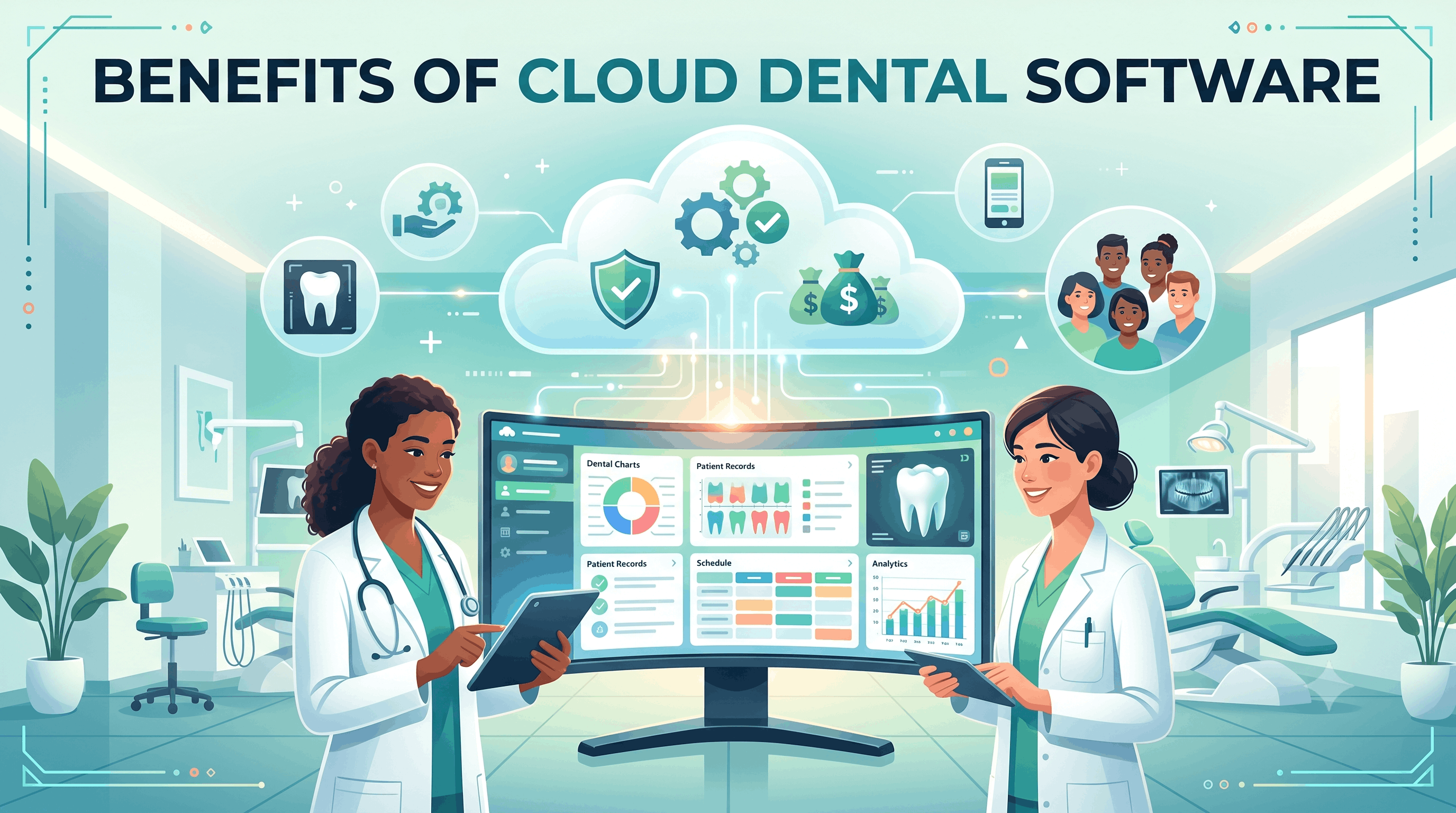
The first benefit of cloud dental software is easy to explain: the clinic is no longer tied to one server in one room.
But that is only the beginning.
The bigger benefit is that the team starts working from one live version of the clinic. The appointment, patient chart, treatment plan, invoice, insurance approval, payment, lab case and report all describe the same reality instead of being rebuilt across separate tools.
That is what clinics feel in the first month. Less chasing, less retyping, fewer "who has the latest file?" conversations, and faster decisions.
1. Access from wherever the work happens
Dental work happens in more places than the old server model assumes.
Reception manages the schedule. Doctors check charts at the chair. Owners review performance after hours. Finance may support several branches. A manager may need to answer a question while away from the clinic.
Cloud software makes that normal. Approved users open the system from a browser or supported device and see the current data, not a copy someone exported yesterday.
That access changes behaviour:
- Owners can review live numbers without asking for a report.
- Doctors can check tomorrow's patients before arriving.
- Billing can follow claims without sitting beside reception.
- Branch managers can support more than one location.
- Staff can continue admin work when they are not at the exact workstation that used to hold the system.
This is not about working all the time. It is about the work being reachable when the decision needs to be made.
2. Updates stop interrupting the clinic
Local systems turn updates into events. Someone schedules downtime, calls IT, updates the server, updates workstations, tests devices and hopes the old computer in room three cooperates.
Cloud software moves that burden to the platform. The vendor maintains the application and the clinic works on the current version without treating every improvement like a mini-project.
That matters because software that is painful to update slowly becomes old software. Teams postpone upgrades, security patches slip, and new features never become part of the workflow.
Cloud does not remove every technical responsibility, but it removes a large category of maintenance from the clinic's daily attention.
3. Backups become a process, not a hope
Every clinic says backups matter. Fewer clinics regularly test whether yesterday's backup can actually restore the business.
With local software, backup discipline often depends on a person remembering, a device working, and an IT partner checking the result. If any link is weak, the clinic may not find out until the day the backup is needed.
A serious cloud platform should handle backup and recovery as a managed process. The clinic should still ask hard questions about retention, restore testing, export access and ownership of data, but the burden is no longer a USB drive, a local machine or a quiet assumption.
The benefit is not just safety. It is confidence that the clinic is not one hardware failure away from a very bad week.
4. Reporting becomes live enough to act on
Old reporting often describes the past. A manager asks for production, collections, no-shows, stock, claims or branch comparison. Someone exports data, cleans it, sends a sheet and hopes the definitions match.
By then, the useful moment has often passed.
Cloud software helps because the data is already in one place and current. A dashboard can show today's schedule pressure, this week's claim ageing, this month's campaign performance or branch comparison without waiting for manual consolidation.
The value is not a prettier chart. The value is that the clinic can act while the problem is still small.
See dental KPI dashboards for the difference between reporting that decorates a wall and reporting that changes tomorrow morning.
5. Multi-branch management stops being spreadsheet management
Cloud becomes especially powerful when a clinic opens a second branch.
Without one shared platform, each branch gradually develops its own habits: appointment types drift, price lists diverge, stock names change, insurance follow-up depends on the local coordinator and performance reporting becomes an argument about definitions.
Cloud software gives the group one operating layer:
- Branch-level permissions.
- Shared patient identity.
- Standardised rooms, roles and appointment types.
- Group-level reports.
- Per-branch comparison.
- Central visibility without taking away local control.
The owner no longer has to ask "send me your numbers" and then spend the weekend deciding whether two branches meant the same thing by the same word.
6. The patient record follows the patient
Patients do not think in databases. If they visit another branch, they expect the clinic to remember them.
Cloud software supports that expectation when the patient record is shared across the practice. The chart, medical history, attachments, balance, insurance position and treatment history follow the patient instead of being recreated by location.
This reduces duplicate records, repeated questions and clinical blind spots. It also makes the patient experience feel more professional: the team sounds coordinated because it is working from the same source.
7. Integrations and automation become more practical
Automation works best when the system can see the event that should trigger it.
An appointment confirmation should come from the schedule. A post-visit feedback request should come after attendance. A payment reminder should know the ledger. A lab update should know the order status. A campaign report should know the lead, appointment and invoice.
Cloud software does not guarantee all of that, but it makes connected automation more realistic than a set of offline tools that only meet through exports.
The practical result is simple: fewer tasks depend on someone remembering to do them.
8. Growth becomes configuration, not rebuilding
When a clinic grows on disconnected systems, every new branch or workflow feels like rebuilding the business. Another server, another setup, another reporting process, another training variation.
On a cloud platform, growth should feel more like configuration:
- Add a branch.
- Add rooms and chairs.
- Add users and roles.
- Adjust price lists.
- Set permissions.
- Train the team on the same core workflow.
There is still work. But the work is operational setup, not infrastructure reinvention.
How PDental handles cloud software
PDental is built as a cloud clinic management platform for dental practices and multi-branch groups. Scheduling, patient records, billing, payments, insurance, inventory, lab orders, CRM, attendance, messaging and reporting live in one connected system.
That connection is the point. A patient enquiry can become a booked appointment, a charted treatment, an invoice, an insurance claim, a material movement, a lab order and a report without being retyped into separate tools.
Because PDental runs in the cloud, teams can work from the reception desk, the chair, another branch or a management review without maintaining a local server. Branch permissions, shared patient records and consolidated reporting keep growth manageable rather than turning every new location into a separate admin island.
Where to start
Ask one practical question: what would become easier if the whole clinic worked from one live system?
For most clinics, the first answers are obvious: access, updates, backups, reports, branch visibility, patient records and follow-up. Those are not small IT conveniences. They are the operating system of a calmer clinic.
Frequently asked questions
What are the main benefits of cloud dental software?
The biggest benefits are access from any approved device, less local IT maintenance, faster updates, live reporting, easier multi-branch management, shared patient records and better continuity when staff work across locations or from home.
Does cloud software make a dental clinic faster?
It can, but only when the workflow is connected. The speed comes from fewer duplicate entries, one live patient record, immediate reporting and fewer handoffs between reception, doctors, billing, insurance and management.
Is cloud dental software useful for a single clinic?
Yes. Single clinics still benefit from browser access, simpler updates, easier backups, automated messaging, cleaner patient records and reports that do not require manual exports. Multi-branch groups feel the benefit more dramatically, but the basics help one-location teams too.
What should clinics check before choosing a cloud system?
Check whether it is truly browser-based, how permissions work, how data is backed up and exported, whether the clinical and financial modules are connected, and whether onboarding includes migration, configuration and role-based training.